Descript Review
AI Video Editing & Production
Descript is an AI-powered video editing platform that lets you edit video by editing text. With features like overdub, filler word removal, and screen recording, it is a powerful tool for producing and editing employee training videos.
Overview
Descript is an AI-powered video editing platform that lets you edit video by editing text. With features like overdub, filler word removal, and screen recording, it is a powerful tool for producing and editing employee training videos. Edit video like a document with AI-powered tools. Descript is best suited for editing and producing training videos.
What we actually tested
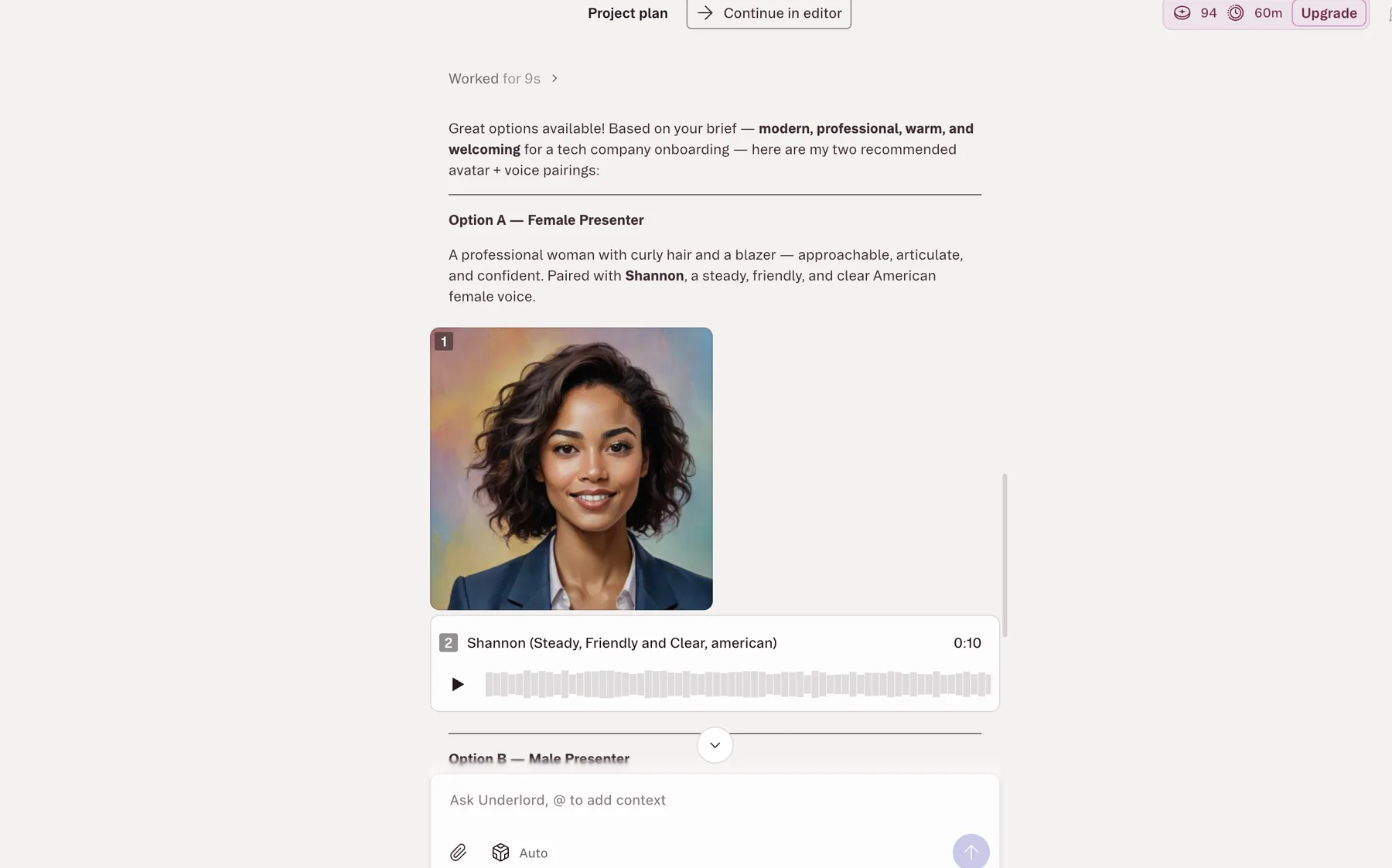
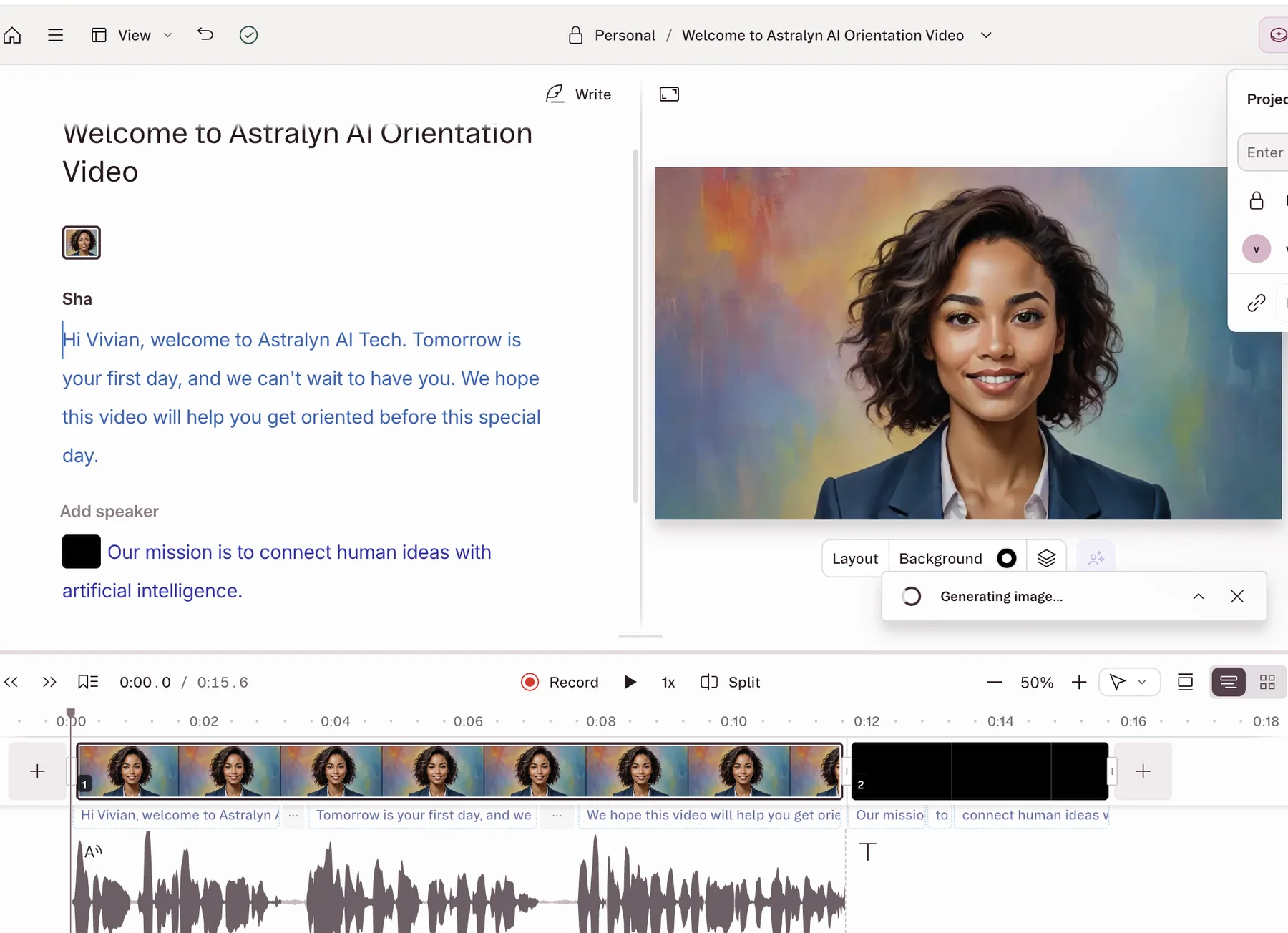
Descript is materially different from the dedicated avatar platforms. In our updated test, Underlord turned an employee-onboarding brief into a project plan, recommended presenter and voice options, and assembled the result inside Descript’s transcript-led editor. This makes it a flexible hybrid for teams that want AI-assisted creation and traditional editing in one workspace.
Scope: Product and pricing review, Underlord project planning, presenter and voice selection, script editing, AI media generation, timeline assembly, and a short avatar-video output.
Editorial review updated August 30, 2026 · Read our methodology
Our test workflow
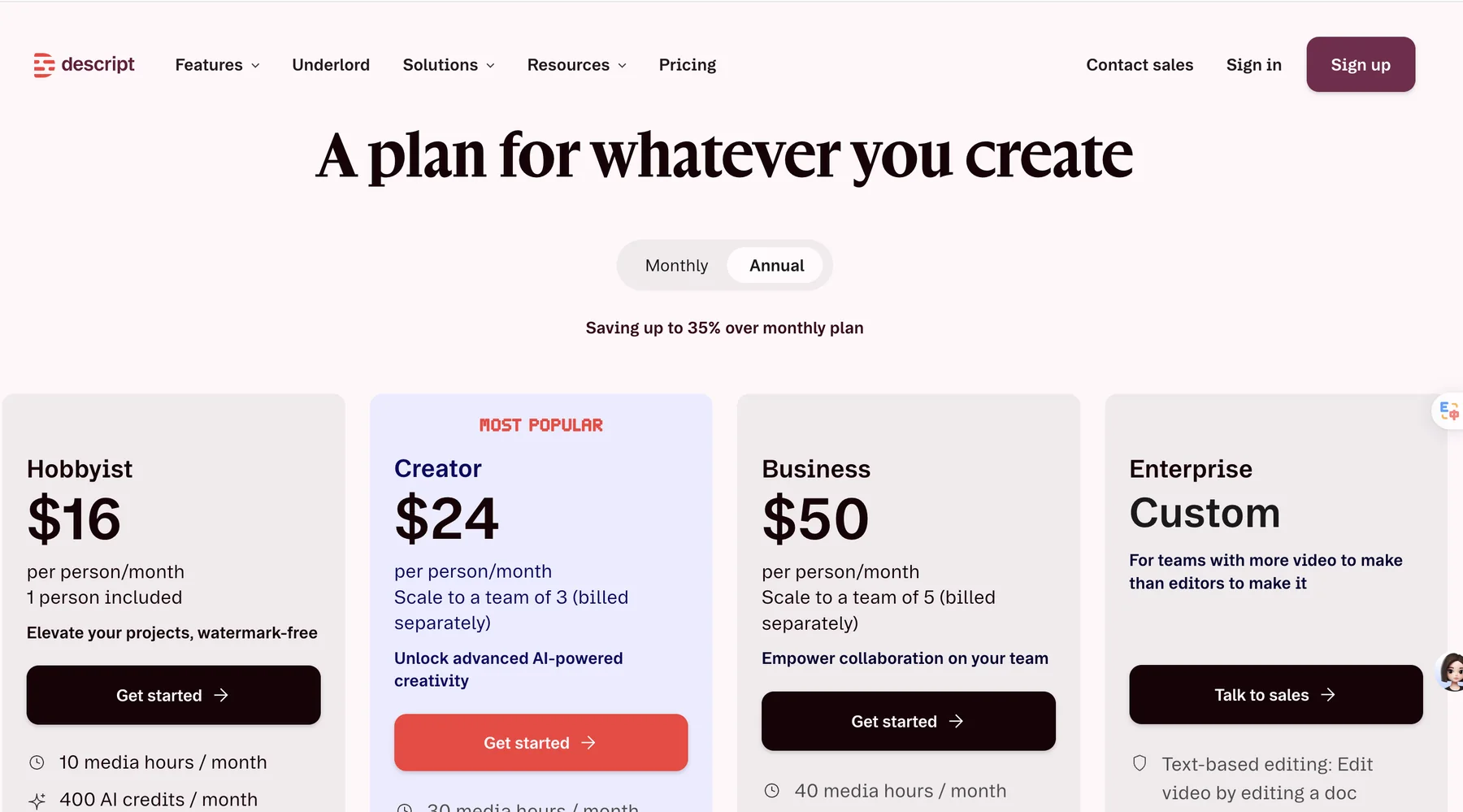
- 1Reviewed the product and pricing page
- 2Asked Underlord to plan a short employee-onboarding video
- 3Selected an AI presenter and voice
- 4Reviewed the script, generated speech, scenes, and timeline
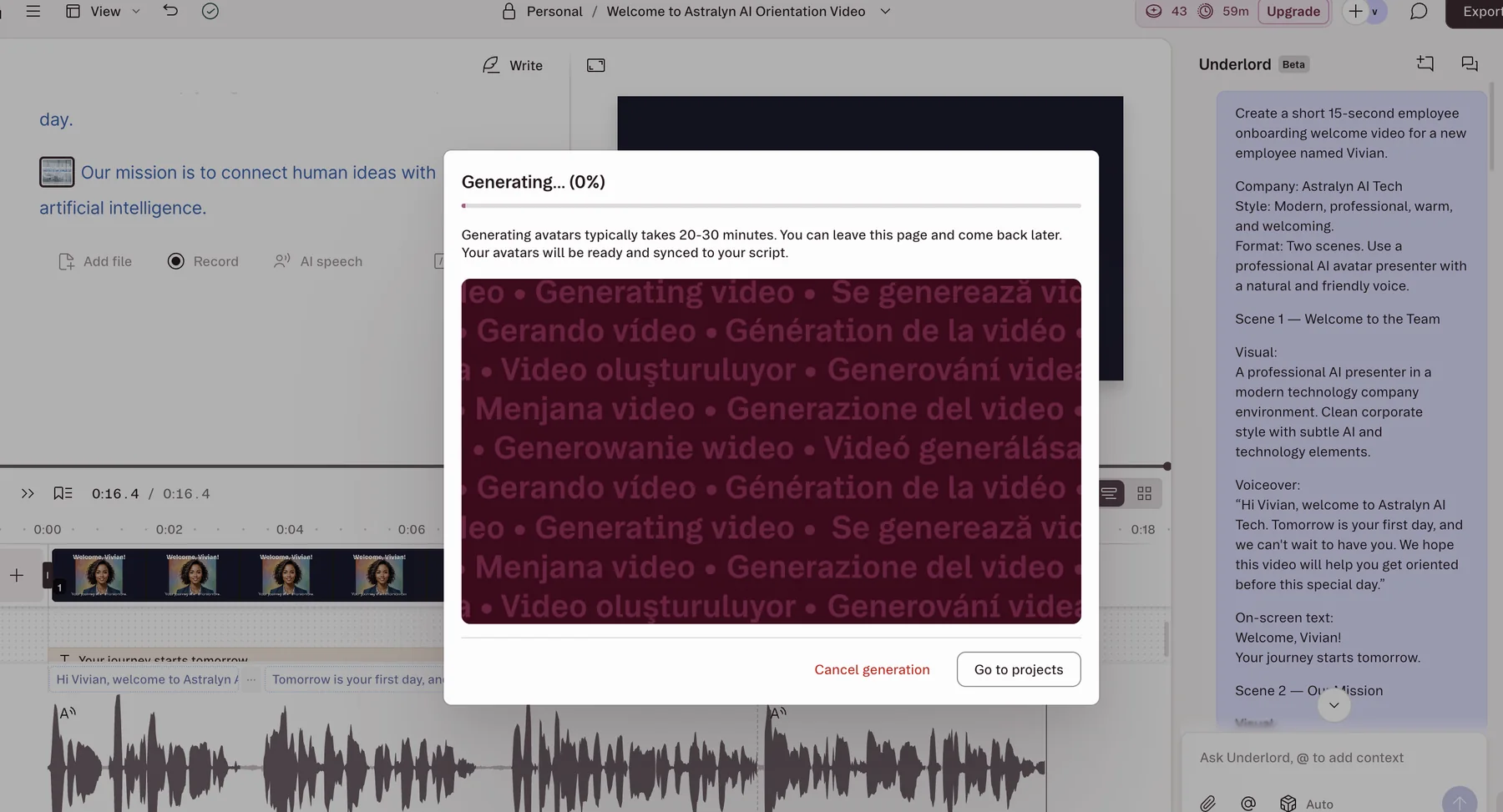
- 5Generated and reviewed a short output sample
Original test screenshots
Captured by AIHubWiz during the test described above. Product interfaces may change.
Our test output
An original short sample from this initial evaluation. It is evidence of the workflow we tested, not a controlled quality benchmark.
Watch on YouTubeWhat we observed
- The transcript-led interface should feel familiar to teams that edit written content.
- Underlord connected planning, script, presenter, generated speech, and timeline edits in one workflow.
- The avatar generation screen estimated 20–30 minutes, materially longer than the initial editing setup.
Test limitations
- The evidence covers one short English-language onboarding project.
- We did not benchmark transcription accuracy, Studio Sound, collaboration, screen recording, or repeated rendering consistency.
- The sample is workflow evidence, not a broad avatar-quality benchmark.
Features
Training Use Cases
Pricing
Descript offers pricing starting at Free plan; Hobbyist from $16/month billed yearly. The plan details and usage allowances vary by billing cycle, region, and product tier. Confirm video minutes or credits, export resolution, seats, avatars, and required business controls on the vendor's current pricing page before purchasing.
View Full PricingPros
- Revolutionary text-based editing
- Excellent audio cleanup tools
- AI voice overdub for corrections
- Affordable pricing
- Strong screen recording
- Fast transcription
Cons
- Avatar generation took materially longer than the edit setup in our test
- Less specialized for LMS delivery than training-first platforms
- Credit usage varies across generative features
Final Recommendation
Descript is ideal for teams that record their own training videos and need powerful editing tools. Its text-based editing and AI audio features make it easy to produce professional training content from raw recordings.
Visit Descript Official SiteQuick Stats
- Editorial score
- 4.4/5
- Pricing
- Free plan; Hobbyist from $16/month billed yearly
- Category
- AI Video Editing & Production
- Best For
- Editing and producing training videos
Alternative Tools
Synthesia
Enterprise AI Training Videos
HeyGen
AI Avatar Training Videos
Colossyan
Corporate Learning Videos
Latest AI Training Guides
How To Create Employee Training Videos With AI
A step-by-step guide to creating professional employee training videos using AI tools. Learn how to script, generate, and deploy AI-powered training content.
Read moreBest AI Video Tools for Employee Onboarding: 5 Tools We Tested
Compare five AI video tools for employee onboarding with hands-on workflows and original screenshots from Synthesia, HeyGen, Colossyan, Descript, and Pictory.
Read moreAI Tools For L&D Teams
Explore the best AI tools that Learning and Development teams can use to scale their training programs and improve employee learning outcomes.
Read moreCompare Descript With Alternatives
See how it stacks up against other AI training video tools.